June 26, 2026
Computers have become an indispensable part of our daily routines, serving as the central hub for our professional obligations, personal entertainment, and social connections. When these essential devices encounter technical difficulties or suffer physical damage, it can disrupt your entire schedule and leave you feeling completely disconnected from the world around you. The immediate dilemma that arises is whether you should dedicate time and attention to restoring the machine or simply abandon it in favor of a brand-new model. This decision is rarely straightforward, as it requires a careful balancing act between the current state of your technology and your long-term digital requirements. Homeowners and professionals alike frequently grapple with this choice, weighing the immediate convenience of a quick fix against the long-term reliability of a fresh device. When your machine slows down or stops working, finding reliable local computer repairs becomes a top priority to help guide your choice. Understanding the specific factors that influence this decision can save you time, reduce frustration, and ensure that your digital environment remains stable and secure for the future.
Evaluating the Extent of Hardware Damage
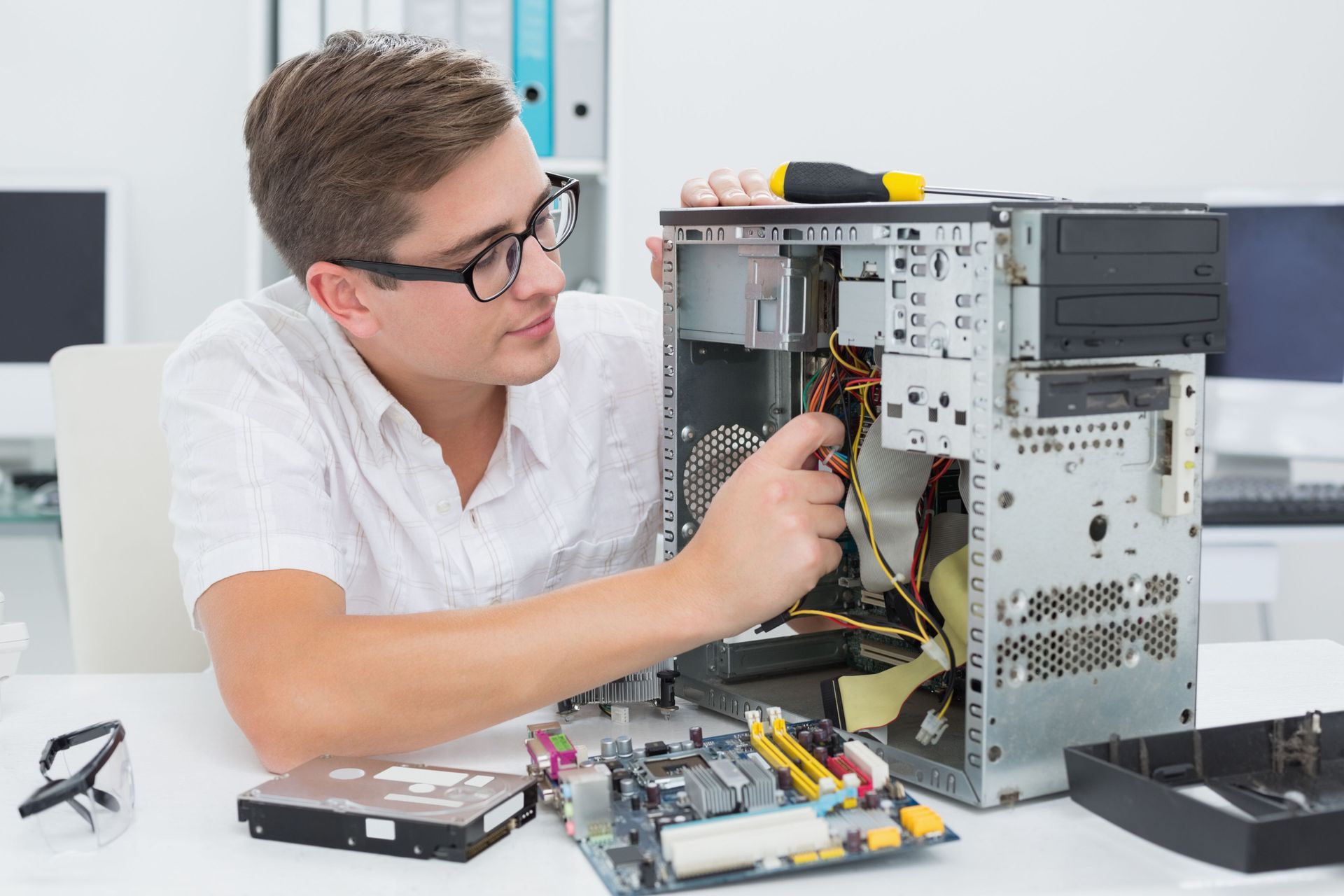
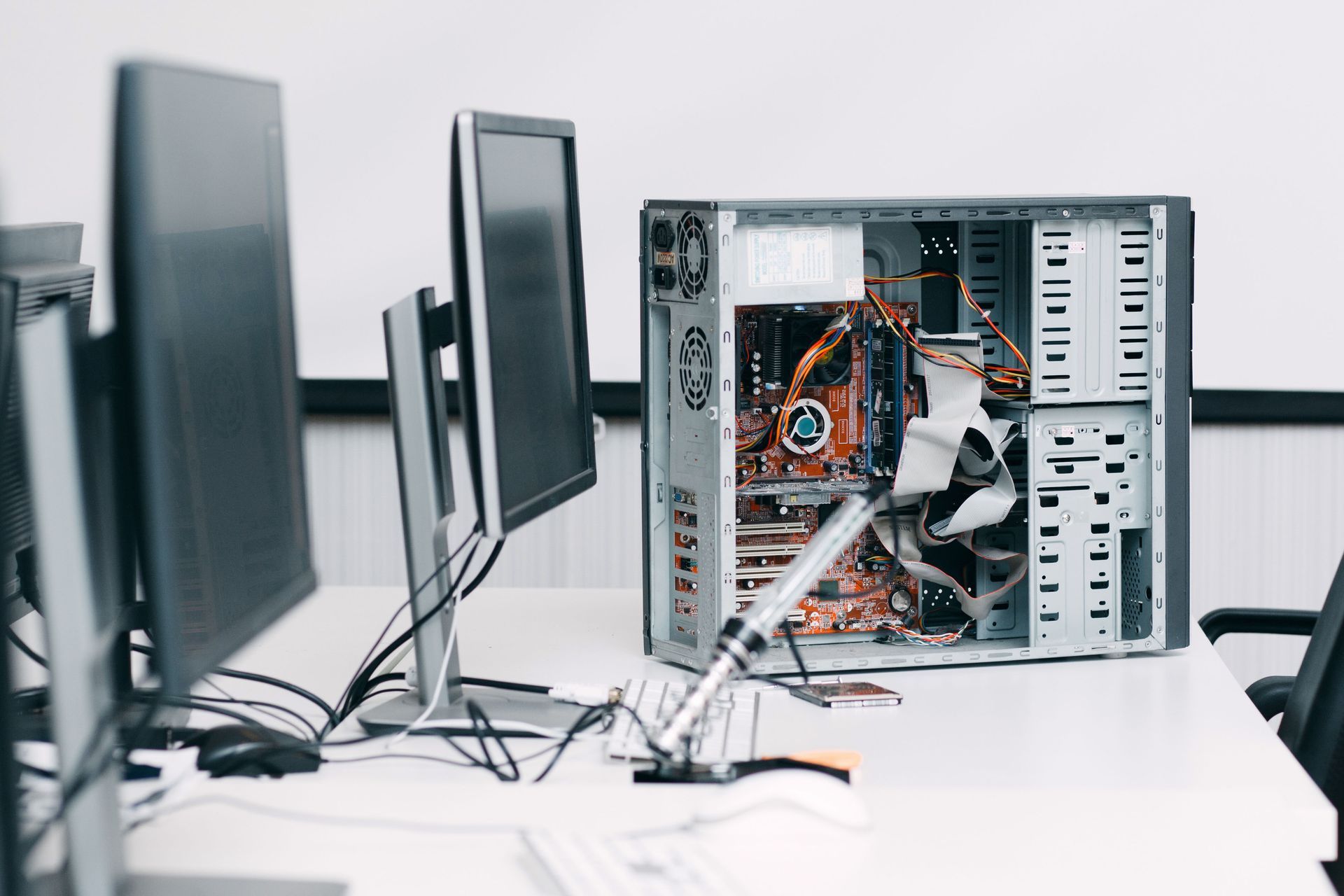
The physical condition of your machine is often the primary indicator of whether it is worth saving. Hardware issues can range from minor annoyances, such as a sticky keyboard or a malfunctioning trackpad, to catastrophic failures involving the motherboard or the central processing unit. When a device suffers from external trauma, such as being dropped or exposed to liquid, the internal repercussions can be widespread and difficult to diagnose without professional equipment. Inspecting the internal components requires a high level of expertise, as delicate ribbon cables and sensitive circuit boards can easily be compromised during a cursory inspection. Seeking out expert local computer repairs can help you determine whether a broken component is a simple fix or a sign of total system failure. Technicians can perform diagnostic tests to isolate the exact source of the malfunction, providing clarity on the structural integrity of your device. In many cases, a component that seems completely dead can be swapped out with a replacement part, effectively restoring the machine to full functionality. However, if multiple critical systems have failed simultaneously, the physical deterioration might be too extensive to justify keeping the machine. Understanding the boundaries of physical restoration is crucial before making a final commitment to either path, as it allows you to prevent unnecessary effort spent on hardware that is fundamentally compromised beyond rescue.
Assessing the Age of Your Device
Technology evolves at a rapid pace, and the age of your system plays a significant role in determining its viability. A machine that was top-of-the-line a few seasons ago might still possess considerable processing power, making it an excellent candidate for maintenance. On the other hand, an older generation device may struggle to keep up with the demands of modern applications, web browsers, and operating systems. As software developers update their programs, they optimize them for contemporary hardware architectures, which can leave older processors struggling to keep pace. This creates a situation where even a perfectly functional older machine feels sluggish and unresponsive during everyday tasks. Older systems often require specialized attention, and opting for local computer repairs can breathe new life into a machine that still has functional potential. Professional intervention can optimize the existing hardware configuration, remove deep-seated system bottlenecks, and maximize the operational lifespan of the unit. Technicians can evaluate whether your specific model can support modern software updates or if the architecture is simply too outdated to remain useful. Choosing to update the internal storage or expand the temporary memory can often bridge the gap between generations, allowing you to defer a major replacement. It is essential to analyze how many more seasons of productive use you can realistically extract from the current setup before it becomes completely obsolete and unable to handle your basic tasks.
Analyzing the Performance of Your System
Software degradation can often mimic hardware failure, causing users to believe their machines are broken when they are actually just suffering from system bloat. Over time, operating systems accumulate temporary files, fragmented data, and redundant registry entries that bog down performance. Malware infections, background applications, and corrupt system files can also cause a dramatic drop in speed, leading to frequent freezes and system crashes. These issues can be incredibly frustrating, but they are entirely reversible with the correct technical approach. Many performance bottlenecks are related to registry errors or corrupt files, which means utilizing professional local computer repairs will often resolve the sluggishness without requiring a brand new purchase. A thorough operating system clean-up, malware removal, and software optimization can make an old machine feel remarkably fast again. Furthermore, upgrading a traditional spinning hard drive to a modern solid-state drive can result in a massive performance boost, transforming a frustratingly slow device into a highly responsive tool. Before assuming that your machine has reached the end of its usefulness, it is wise to have the software environment analyzed by an expert who can strip away the digital clutter and restore operational efficiency, ensuring that your system runs at its peak capabilities without unnecessary lag.
Considering the Impact of Future Security
In our increasingly interconnected world, digital security should always be a primary consideration when evaluating the future of your technology. An outdated or damaged machine may no longer receive critical security updates from the manufacturer, leaving your personal information vulnerable to exploitation. Modern web security relies on a complex infrastructure of protection that operates silently in the background of our daily browsing activities. According to data from TestDevLab, Cloudflare manages and protects 20% of websites around the globe, showing just how interconnected our modern digital environment is. This vast network highlights the scale of security measures required to keep data safe across the internet, and your personal machine is the final line of defense in this ecosystem.
When you choose quality local computer repairs, you ensure your operating system receives the latest security patches to ward off modern web threats. Technicians can verify that your firewalls are properly configured, your anti-virus software is operational, and your system firmware is updated to protect against emerging vulnerabilities. Trusting local computer repairs ensures your machine remains protected against vulnerabilities that could compromise your personal data. Failing to maintain a secure system can lead to severe data breaches, making proactive maintenance an essential aspect of digital health and long-term security management for your home or office setup.
Deciding whether to restore your existing device or transition to a completely new system requires a careful look at your current operational needs, the age of your equipment, and the nature of the technical issues you are facing. Making the choice between fixing your current device or purchasing a new one ultimately depends on your specific operational needs and the quality of your local computer repairs. Taking the time to consult with professionals ensures that you do not prematurely discard a valuable asset or waste effort on a machine that cannot be saved. If you are ready for a comprehensive evaluation of your device, contact us at Evergreen Computers, LLC today. We will help you determine the most effective path forward for your technology, ensuring your system operates safely, smoothly, and efficiently for all your personal and professional needs.